From Figma to Code: Bridging the Gap
Practical strategies for smoother handoffs between design and development.
The handoff between design and development is where good intentions go to die. Here's what I've learned about making it smoother.
The gap is real
Designers think in visual composition. Developers think in component trees and state. These are fundamentally different mental models, and pretending they're not leads to frustration on both sides.
What actually helps
1. Design with components, not screens
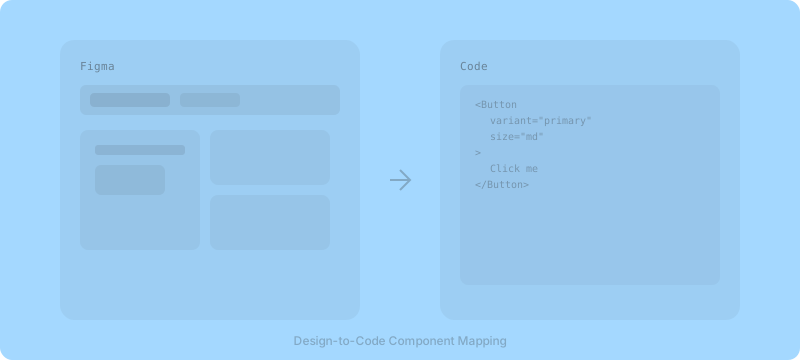
When your Figma file mirrors the component architecture of the codebase, handoffs become conversations about behavior rather than pixel specs.
2. Name things the same way
If the developer calls it CardHeader and the designer calls it "top section," you've already introduced friction. Shared naming conventions are cheap and high-impact.
3. Annotate the invisible
Designers see hover states, transitions, and loading states in their heads. Developers see a static frame. Annotate:
- What happens on hover?
- What's the empty state?
- What does loading look like?
- How does this respond to different screen sizes?
4. Sit together (sometimes)
No tool replaces the 10-minute conversation where a designer and developer look at the same screen and talk through edge cases. Schedule these intentionally.
Tools are enablers, not solutions
Figma Dev Mode, Storybook, design tokens — these are valuable, but they work best when the team has already aligned on process. Start with communication, then add tooling.
The smoothest handoffs I've seen aren't about better tools. They're about designers who understand constraints and developers who appreciate intent.